AB 1 of X — वो सीखना जो हम सीखना चाहते हैं
यहाँ से शुरुआत



शो नोट्स
यह एक podcast है नई चीज़ें सीखने के बारे में। हम game development को explore कर रहे हैं, साथ मिलकर चीज़ें बनाते हुए। हम अपनी बातचीत यहाँ document कर रहे हैं ताकि अगला कोई आए तो उसे आसानी हो।
हमारे बारे में
हम (Finn और John) game development में सच में Absolute Beginners ("पूरे नए") हैं। Finn Bay Area में tech में काम करता है, और John के पास philosophy में PhD है। हम दोनों को game dev में interest काफ़ी पहले से था, लेकिन मौका नहीं मिला।
हमने पहले Unity सीखने का फ़ैसला किया, जो कि बहुत सारे popular games के पीछे का engine है। हम Harrison Ferrone की किताब Learning C# by Developing Games with Unity पढ़ रहे हैं। Harrison की book लो तो उनके Discord server में भी join कर सकते हो और दूसरे game developers से बात कर सकते हो। John Unity की site पर tutorials भी कर रहा है।
हम दोनों में से किसी को C# का experience नहीं है, जो कि एक programming language है। Finn को code लिखने का कुछ experience है, लेकिन यह उसकी day job नहीं है। वो जिस language को सबसे ज़्यादा जानता है वो JavaScript है, जो दूसरी languages के मुक़ाबले थोड़ी ज़्यादा माफ़ करने वाली है।
Unity tutorials
John learn.unity.com पर lessons explore कर रहा है। ये tutorials पूरी तरह beginners के लिए बने हैं, तो level की चिंता मत करो। सब कुछ pathways में organized है, जो फिर missions में बँटे हैं। एक mission एक घंटे से लेकर कई दिनों तक का हो सकता है। Content में Unity को professionally use करने वालों की interviews और practical lessons बारी-बारी आती हैं।
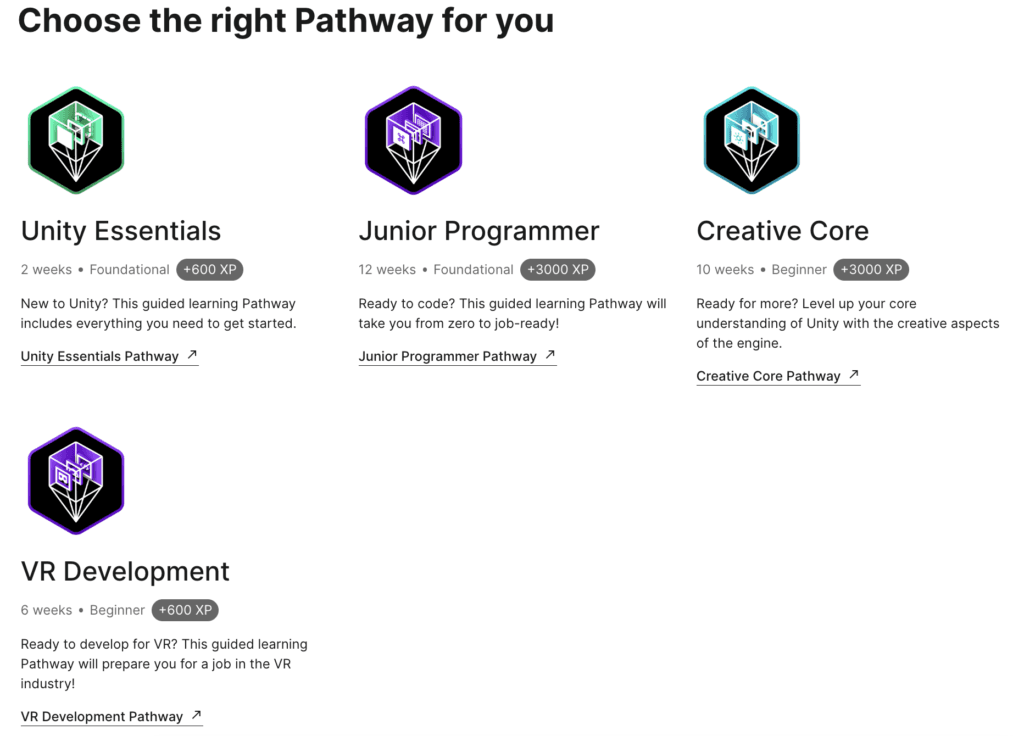
हम दोनों ने Karting microgame try किया। इसे खोलने के लिए Unity Hub open करो, Create Project पर click करो, फिर Learning। Karting वहाँ options में होना चाहिए।
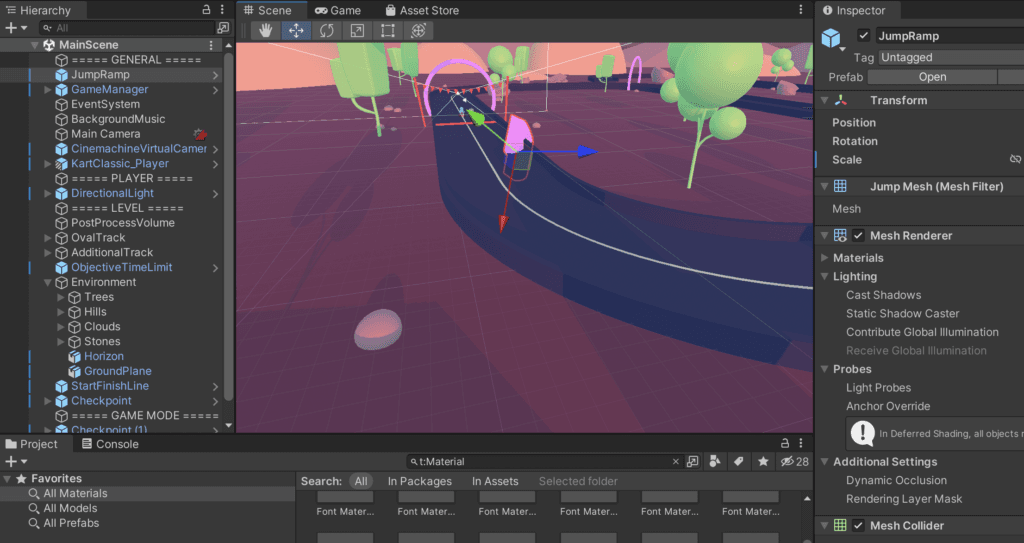
Microgames से आपको पहले से बने छोटे games के साथ experiment करने का मौका मिलता है। हम karting game के बारे में बात करते हैं और Unity Hub (जहाँ तुम्हारे सारे projects होते हैं) और Unity editor (जहाँ तुम game edit करते हो) का फ़र्क़ समझाते हैं। कुछ microgames ज़रूर try करो ताकि पता चले कि Unity से क्या-क्या बन सकता है और editor से परिचित हो जाओ।
John ने Microsoft की कुछ C# lessons भी try की हैं। हम दोनों agree हैं कि शुरुआत में C# या coding के बारे में ज़्यादा जानने की ज़रूरत नहीं है। Unity की lessons game design के visual aspects पर ज़्यादा focus करती हैं, जबकि Harrison की book शुरुआती chapters से ही C# में गहरे जाती है।
Unity के online early tutorials में professionals के interviews हैं जो Unity professionally use करते हैं। हमने उनके बारे में कुछ information इकट्ठा की है, अगर आप और जानना चाहें।
Mike Clephane (LinkedIn) एक digital artist हैं।
Andrea Anticeto-Chavez (LinkedIn) एक editor और producer हैं जो DigitalFilm Tree के साथ virtual production courses बनाती हैं।
David Wehle (LinkedIn) The First Tree के solo developer हैं।
Kiira Benzing (site) Double Eye Studios में Director और Producer हैं और अपने LinkedIn के मुताबिक, Medieval French भी बोलती हैं (!).
Fereshteh Forough (LinkedIn, Wikipedia) Code to Inspire की founder और executive director हैं।
John Riccitiello (LinkedIn, Wikipedia) Unity Technologies के CEO हैं।
Penny de Byl (LinkedIn, YouTube) Holistic3d में creative director हैं और उनके कई काम के Udemy courses हैं।
Mari Kyle (LinkedIn) Oculus में game producer हैं।
Joi Podgorny (LinkedIn) Together Labs में marketing lead हैं।
किताब
Finn ने book में ज़्यादा time दिया है, जो आपको सब कुछ step by step सिखाती है, including कौन से software install करने हैं:
Unity Editor (Hub के साथ आता है)
Finn को एक चीज़ ने surprise किया: play mode में inspector में जो values डालते हो, वो play mode से बाहर आने पर reset हो जाती हैं।
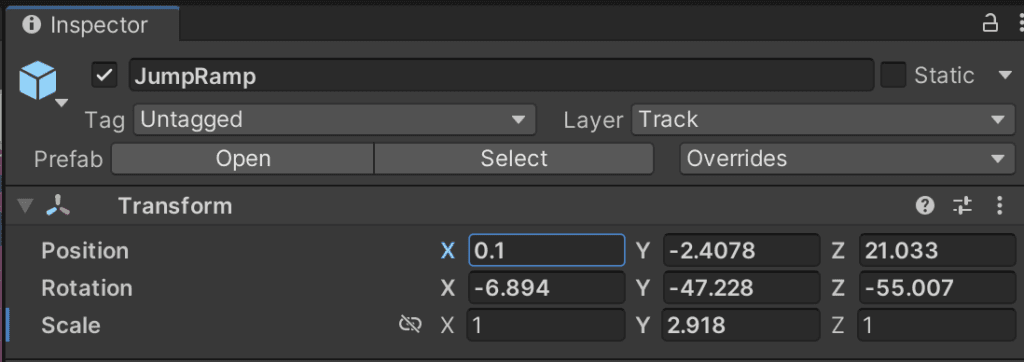
Endless Pachinko
John ऐसे "games" बना रहा है जिनमें player का कोई input नहीं होता। उनमें से एक का नाम है Endless Pachinko, जो Japanese ball game से inspired है। Gravity flip करना सीखना Unity को trial and error से सीखने का बढ़िया तरीका था। Finn का suggestion है कि while loop से game में अलग-अलग "altitudes" पर gravity बदल सकते हैं।
Game ideas
John को non-player characters (NPCs) के लिए human-like behavior सीखने में interest है। ख़ासकर, वो games के अंदर automata बनाने के साथ experiment करना चाहता है। उसका academic work philosophy of mind पर focused है। John को मज़ा आता है जब game में कुछ और करते हुए NPCs की बातें कान में पड़ जाएँ (जैसे: "उसने यही कहा!").
Portland, Oregon की Libby Roach का शुक्रिया शानदार music के लिए।